About the game
Game idea
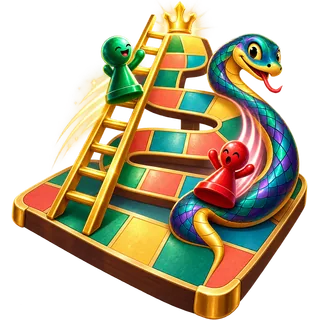
Cloudspire Run is a dice race through a numbered sky garden. Ladders and snakes reshape the route and can quickly reverse a lead.
What matters
A long ladder can move you far ahead, while a snake can send you back. The finish requires an exact arrival, so the final stretch remains uncertain.
This version
Ten levels per grid offer different route layouts. This local version plays against the computer; a separate online edition provides live games together.
Cloudspire Run: how to play and options
Goal and key rules
Follow the numbered route to the final square. Ladders advance you and snakes send you back. An exact roll is needed to finish; a six grants another roll.
Controls
Roll, then confirm the flashing destination. The piece moves only after that selection. Against another person, take alternating turns on the same device.
Playing tips
Before confirming, check for a ladder or snake at the destination. Dice outcomes remain random; a different animation pace does not improve the odds. Different levels let you learn new routes.
Settings and variants
Choose five board sizes with ten levels each and the opponent mode. Dice duration and rotation count change animation. After a win, Next level progresses through the levels and then to a larger board.
Display and sound
The timer display can be shown or hidden. Reduced motion limits effects while keeping necessary game movement visible. Sound can be switched on or off independently. A volume slider is also available.
On a new page visit, Start game begins a fresh round using your saved preferences. An abandoned round does not resume automatically. Game information explains further scoring details and available assists.