About Pet Picture Cube
Six pets inside nine cubes
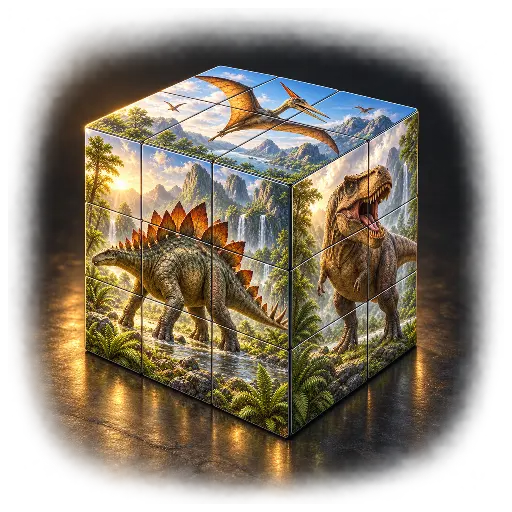
Nine solid cubes form one 3 × 3 picture board. A different friendly pet photograph is divided across each of the six cube faces: dog, kitten, rabbit, guinea pig, budgerigar and hamster.
A turn changes the whole tile
Tap a cube and roll or spin it into position. Its neighbors stay still. Look beyond the animal’s face: fur, grass and background colors help you recognize both the correct photograph and the upright direction.
Choose your next discovery
Choose one of six photographs below the board and open the large reference whenever needed. Each new puzzle shuffles all nine cubes. Hints, undo, a finger demonstration and replay let you explore at your own pace.
Rules and controls
Complete the front picture
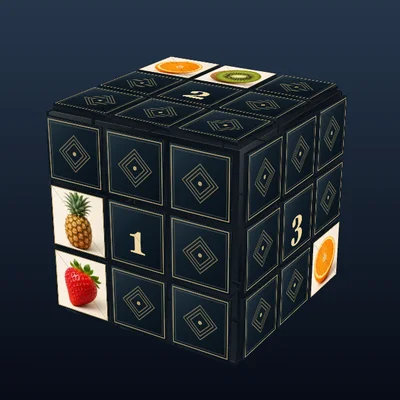
The board contains exactly nine cubes in a fixed 3 × 3 × 1 arrangement. Cubes never swap places. Every cube carries the matching row and column fragment of each of six photographs on its six physical faces.
Rebuild the selected target on the front of the board. All nine fragments must show the same selected animal and be upright. A sideways, upside-down or different photograph fragment does not count. Each button press is one quarter turn.
Select, roll and spin
Drag directly over the cube to rotate the whole 3D view, or use the joystick at the lower right. Tap a visible small cube and turn it with the four arrows at the lower left. The two curved arrows spin the selected face. Only the chosen cube changes its puzzle orientation.
The controls sit inside the framed playing field, as in Picture Cube. Center returns to the same diagonal perspective. Rotating the view does not count as a puzzle turn. Scoring always checks the board’s original front face. Keyboard: Tab and Enter select controls; arrow keys on the joystick rotate the view, and arrows/Q/E on a cube control that cube.
Pictures opens a drawer of six square previews above the button bar. Choose a new pet or close the drawer again; when closed it takes no extra height. Reference displays the current target as a larger photograph. Both drawers have their own close button.
Follow the photograph’s details
Inspect the front, edges and back by dragging or using the joystick. Center returns to the useful starting perspective. Select recognizable eyes or ears first. If the correct fragment is sideways, use the curved arrows. Hint shows a cube and a useful button; Undo reverses the last turn.
Picture and movement
Choose any of the six pet photographs and set a brisk, smooth or slow quarter-turn animation. Changing the target or mixing again asks before replacing a played puzzle. All cubes remain freely rotatable; correctly placed cubes are not locked.
Display and sound
Show or hide active time, reduce movement and adjust the calm, low sound and its volume. Time pauses in menus, the demonstration and the background. There is no time limit or minimum-turn claim.
Only preferences are stored on this device. Puzzle states, records and rankings are not saved to an account. Discovered pet marks last for the current visit.